Spaces · Room and desk booking
Every door knows if the room is free.
Wirings Spaces is room and desk booking software: displays by every meeting room door that stay in sync with Google Workspace or Microsoft 365.
- Free
- Starting soon
- In use
Drag the time, or pick a room. Two-way calendar sync, tablets or any screen, one sign-on via Launchpad.
How it works
Calendar in. Display at the door.
Connect the calendar
Google or Microsoft 365. Both ways.
Design the display
Now, next, and a free/busy halo.
Mount a tablet
It sleeps when the building does.
Find a Room
Point at a gap. It's yours.
Every room, the whole day, one row each. Book it for anyone, repeat it, or block it for the cleaners.
Point at a gap to pick a time, or drag to choose how long. Tap works too.
For rooms hosted in Spaces. Cancelling emails the people affected, and every change is kept in the room’s history.
Templates
Six looks for the door, ready on day one.
Each one says free or in use from across the room. Pick one, or build your own in the editor.
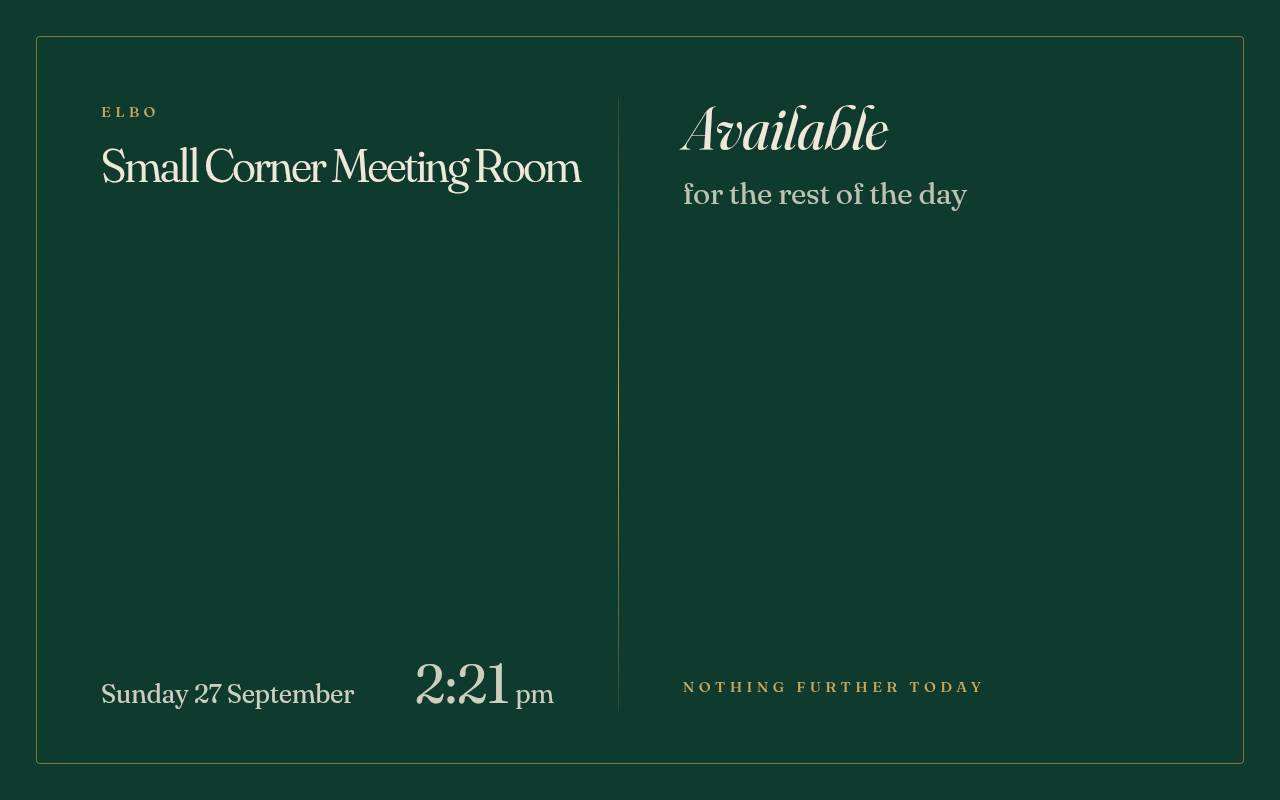
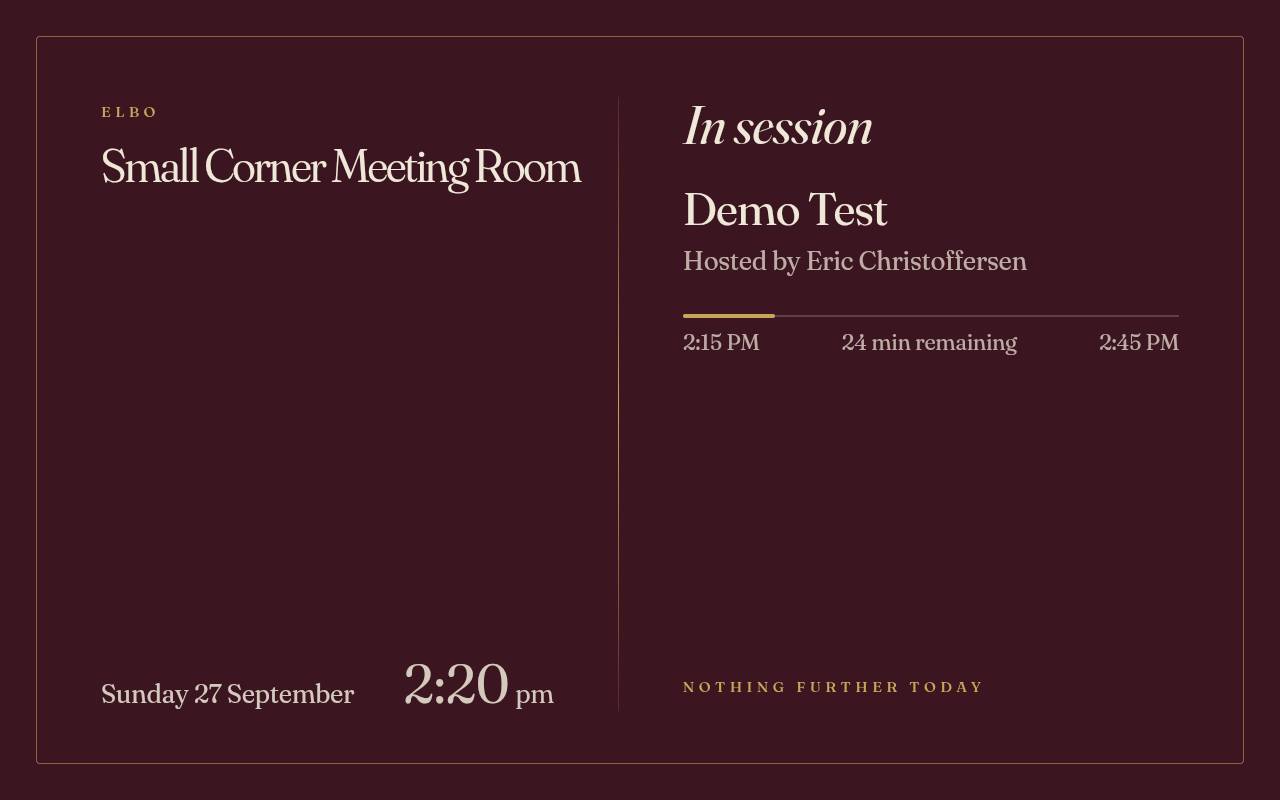
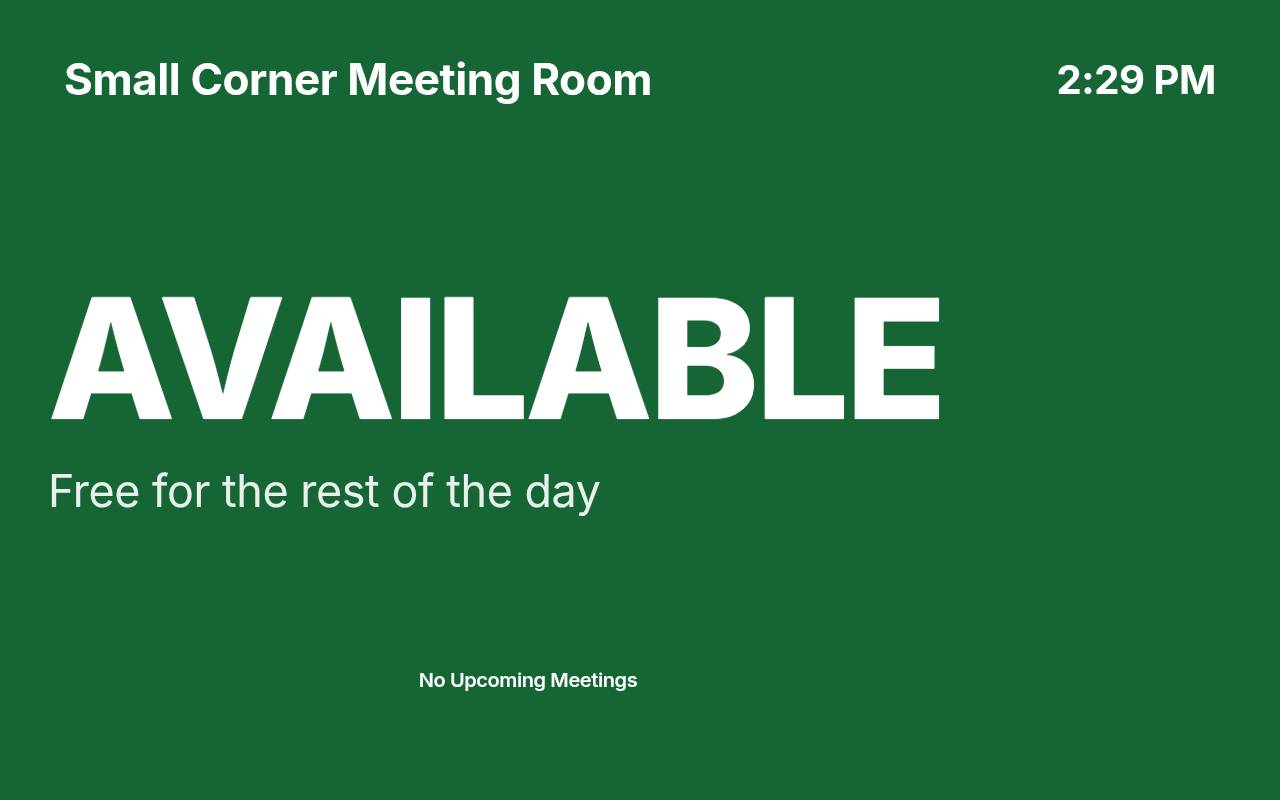
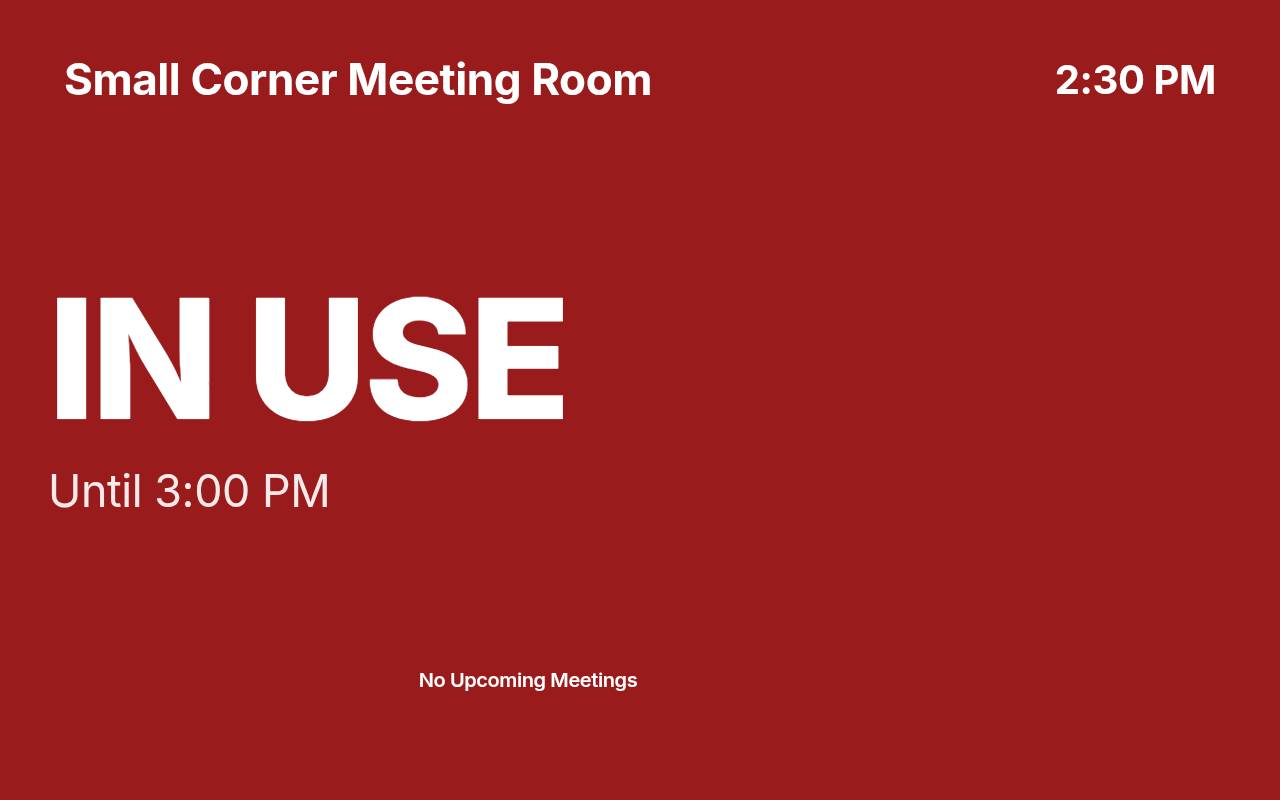
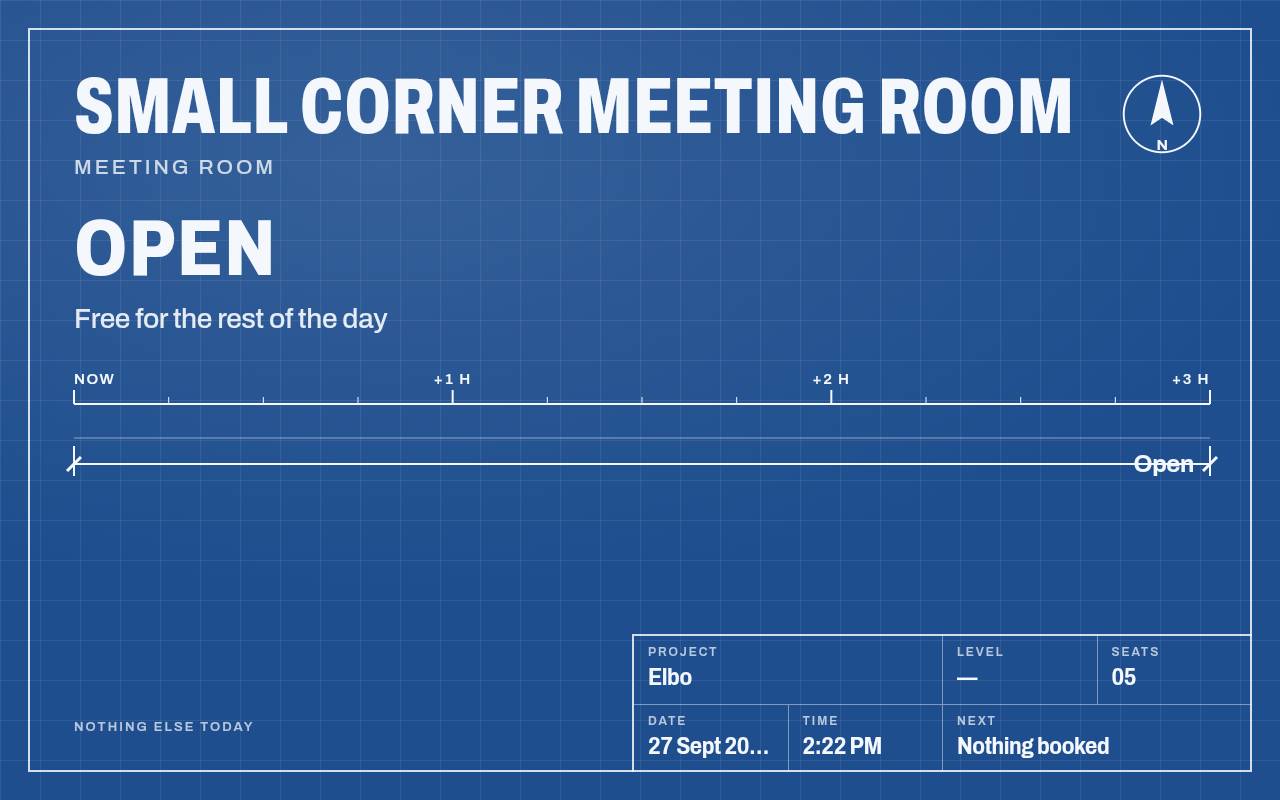
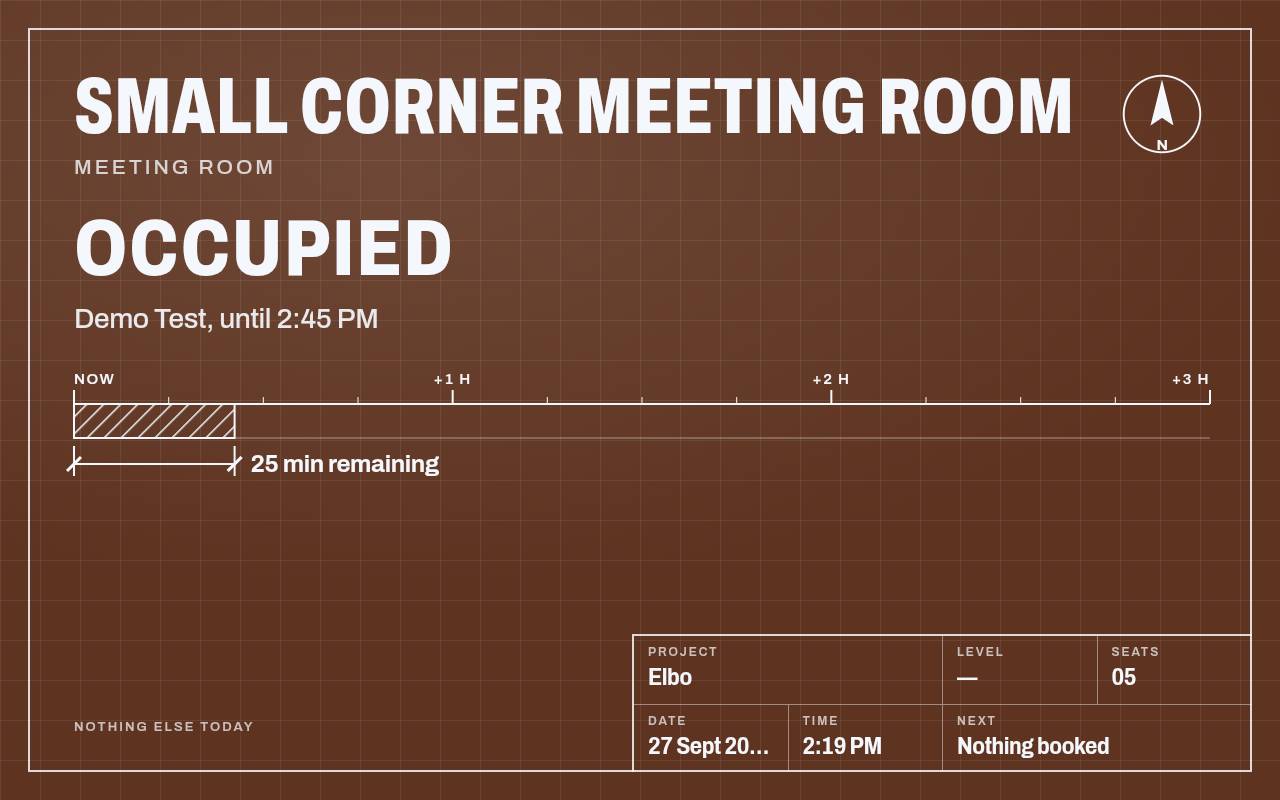
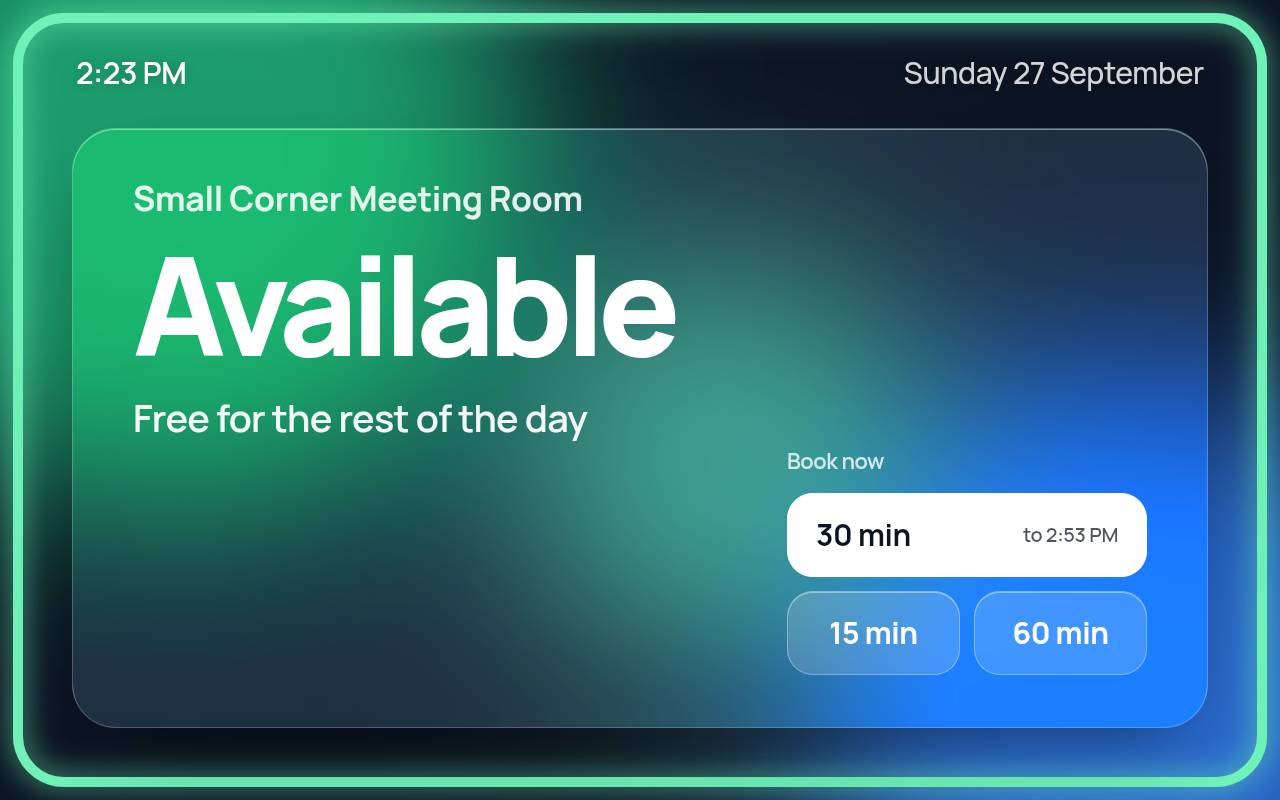
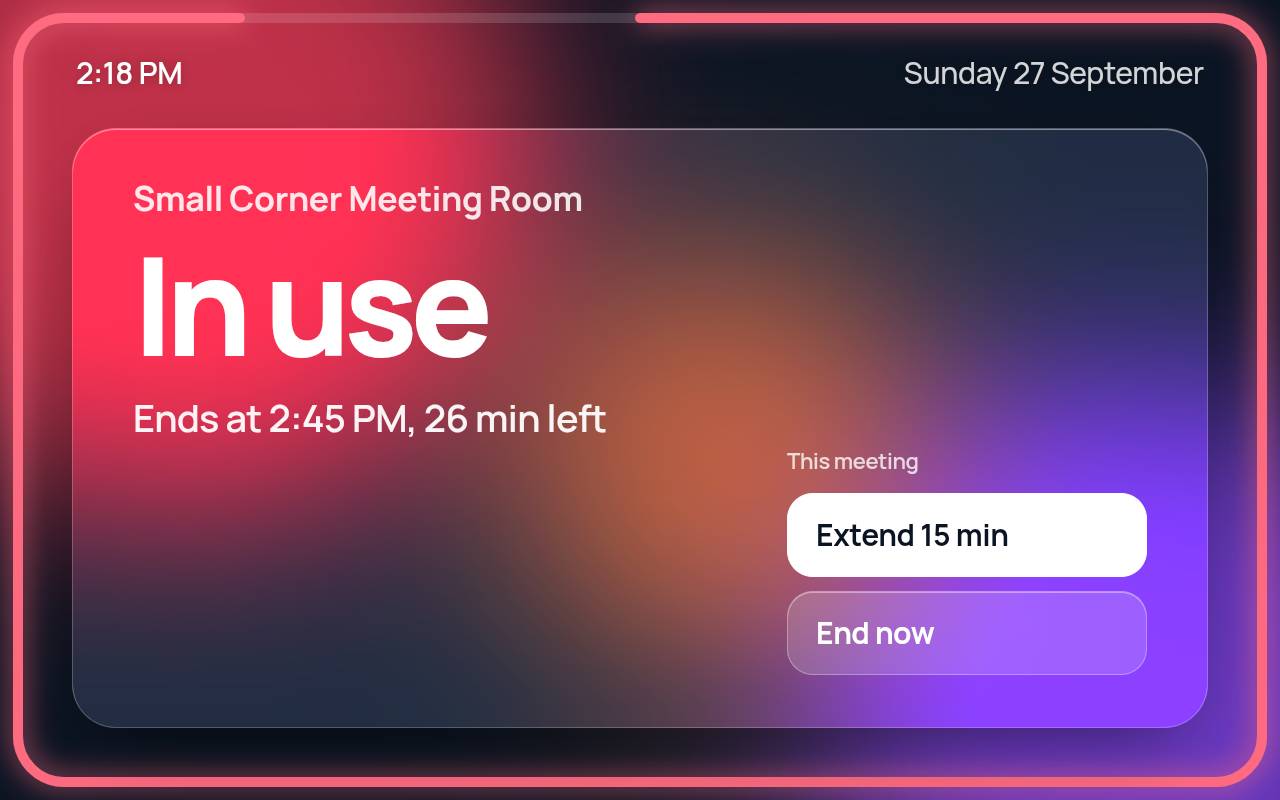
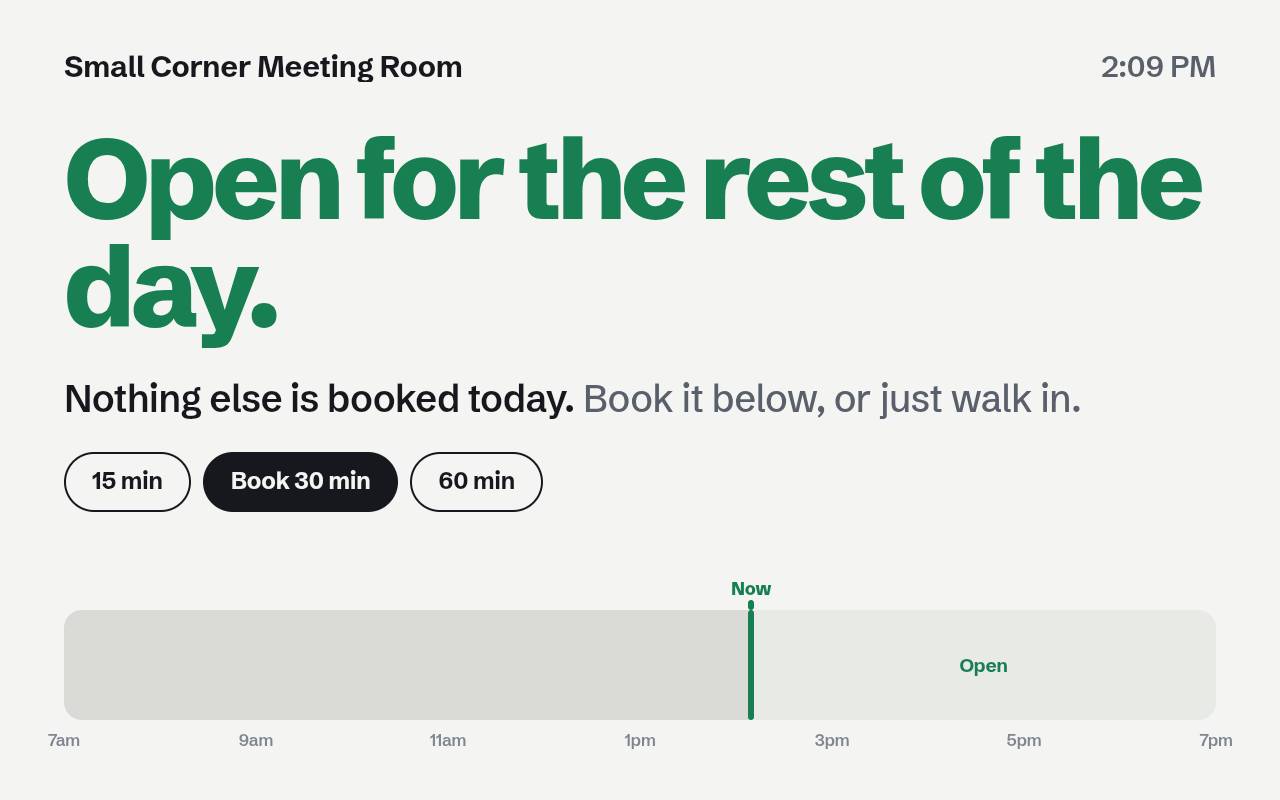
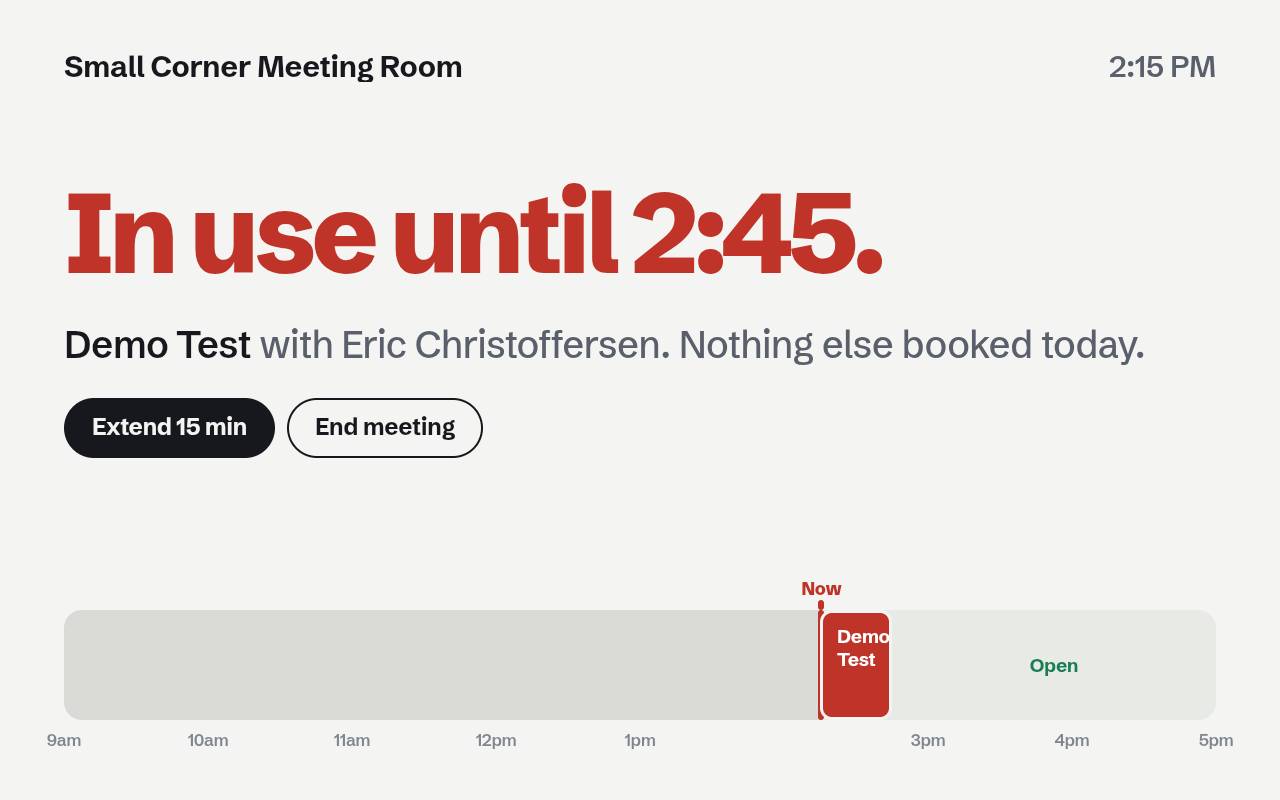
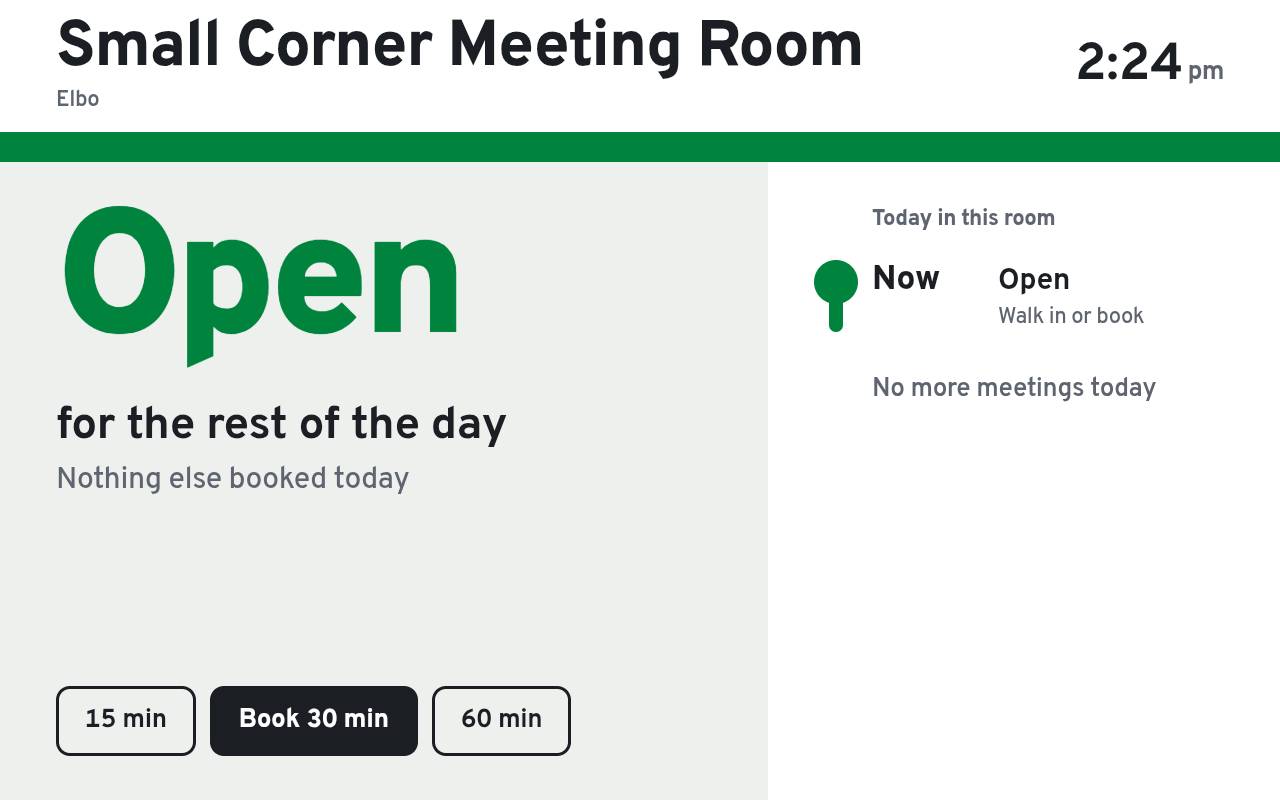
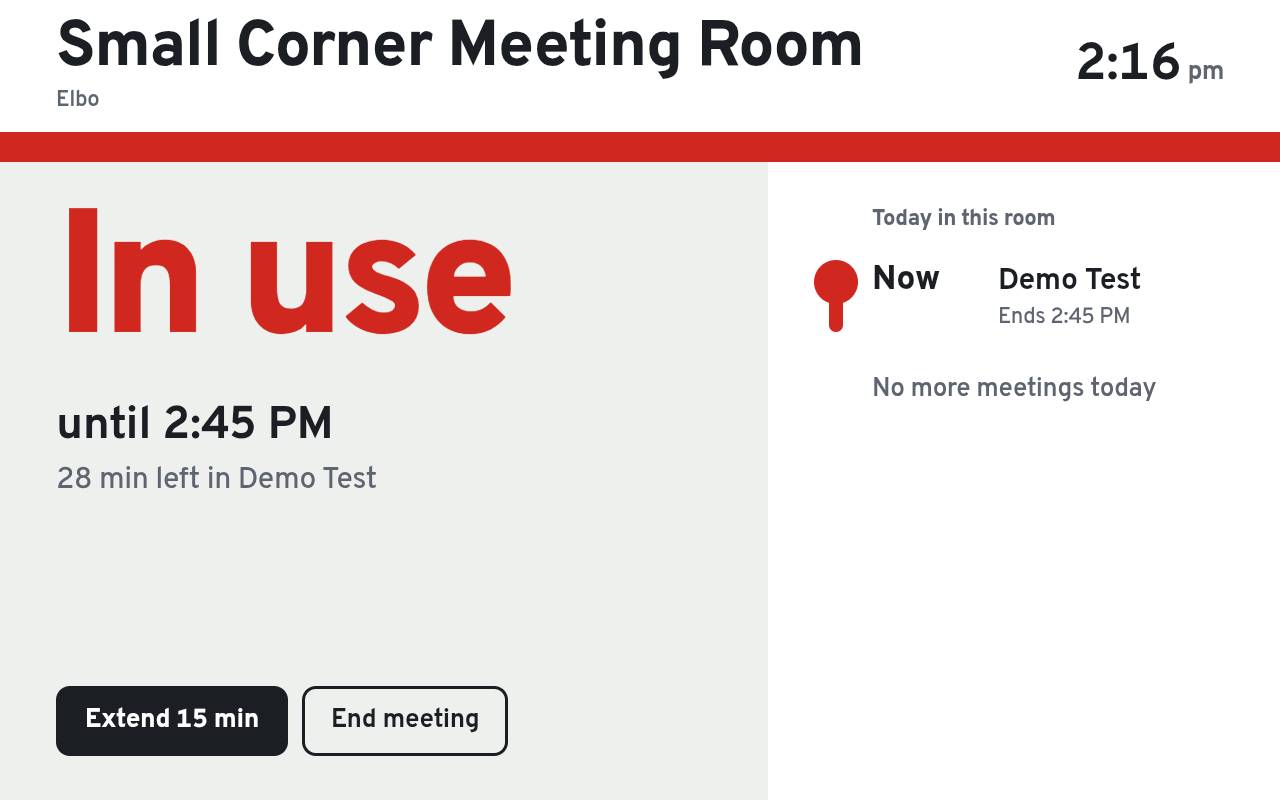
Glass Halo. Frosted glass and a glowing ring you can read from down the hall.
See it move
From calendar to the glass.
Product tour
The real thing, not a mock-up.
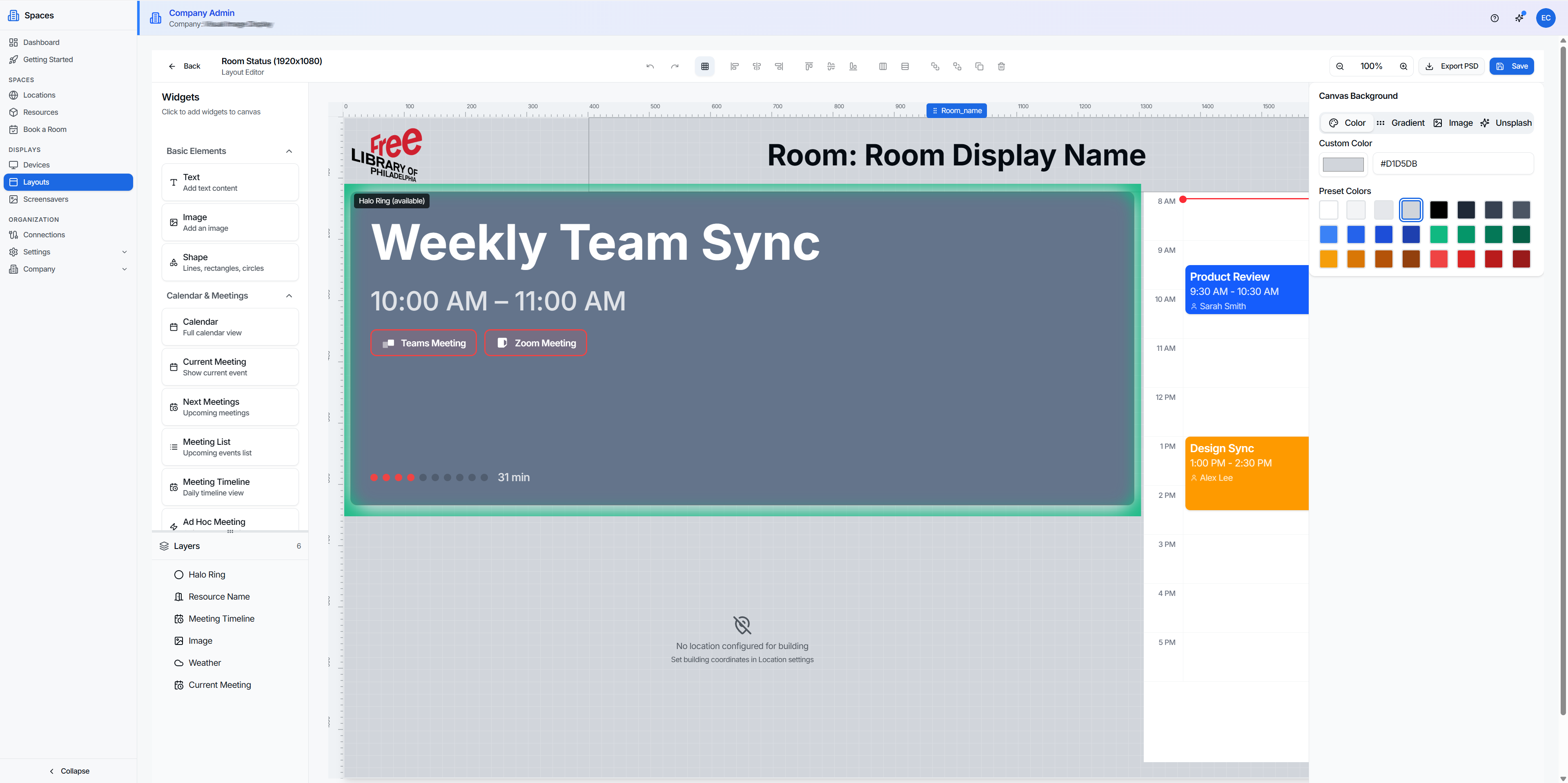
Display editor. Now, next, halo, one-tap Teams and Zoom.
Capabilities
Everything a bookable space needs.
Booking displays
- Now + next
- Daily timeline
- Free/busy halo
- Teams & Zoom join
- Book & check in at the door
Web booking
- Find a Room
- Point-and-drag timeline
- Book for someone else
- Edit and move
- Cancel with a reason
- Repeats
- Room blocks
- Booking history
Calendar sync
- Google Workspace
- Microsoft 365
- Two-way
- Seconds, not minutes
- Self-hosted rooms, no calendar
Estate
- Region → desk hierarchy
- Rooms, desks, people
- Filter by floor
- Per-building branding
Displays & rules
- Drag-and-drop editor
- Floor status boards
- Clock & weather widgets
- Web pages on a board
- Business hours
- Holidays
- After-hours playlists
Devices
- Restart or reboot remotely
- Remote control
- Uptime history
- Rotation from the dashboard
- Four displays, one licence
- Keeps its last screen offline
Use cases
Wherever a space needs to say if it's free.
Meeting rooms
Book or extend right at the door.
Hot desks
Check in. No double-booking dance.
Lobby boards
Which rooms are open, right now.
Multi-site
Model it once, every site inherits.
No calendar? Fine.
Host the room in Spaces.
Front desk
Book for a guest. Block for the cleaners.
Roles
A role for everyone who touches a room.
Invite people and set roles in Launchpad. Users are unlimited; only displays need a licence.
Facilities Manager
Rooms, locations, and anyone's bookings, blocks included.
Display Manager
Pairs devices and edits layouts. Leaves the floor plan alone.
Front Desk
Books, changes, and blocks for anyone. Sees only booking.
Room Agent
Books for themselves or others. Manages what they booked.
Platform
Boring infrastructure, on purpose.
- Org isolation
- Your estate is invisible to everyone else.
- Single sign-on
- Via Launchpad. No stored passwords.
- Managed sync
- No on-site server to babysit.
- Scoped access
- Only the calendars you choose.
FAQ
Questions about Spaces
What is Wirings Spaces?
Wirings Spaces is room and desk booking software: displays by every meeting room door that stay in sync with Google Workspace or Microsoft 365. People can see at a glance whether a room is free, and book, extend, or check in right at the door.
Does Spaces work with Microsoft 365 and Google Workspace?
Yes, both, and both ways. A meeting booked in Outlook or Google Calendar shows on the door within seconds, and a booking made at the door lands in the calendar. Spaces only reads the calendars you choose, and rooms without a calendar can be hosted in Spaces itself.
How much does Spaces cost?
Spaces is priced per display: $8 a month, or $96 a year, for each display, with unlimited calendar connections and team members. Request access and Wirings sets up your organization.
Can staff book rooms from the web?
Yes, for rooms hosted in Spaces. Find a Room shows only the rooms free when you need them, filtered by building, seats, and features, on a timeline you can point and drag on. Book for yourself, a teammate, or a guest; repeat daily, weekly, or monthly; and edit, move, or cancel with a reason, which emails the people affected. Facilities and front desk staff can block a room for cleaning or maintenance, and its displays show it as busy. Rooms on Google or Microsoft calendars keep booking from Outlook or Google Calendar.
What hardware does Spaces run on?
A tablet mounted by the door, or any screen with a browser, including Samsung Tizen signage. Wirings players run on Windows, Android (in beta), and Wirings OS, where one box can drive up to four displays on a single licence. From the dashboard you can restart or reboot a player, set its rotation, and see its uptime. Displays keep their last screen if the network drops, and sleep outside business hours and on holidays.
Who can do what in Spaces?
Roles match the jobs in a building. Facilities Managers run locations, rooms, and anyone's bookings, including blocks. Display Managers pair devices and edit layouts. Front Desk books, changes, and blocks for anyone. Room Agents book for themselves or others and manage what they booked. People are invited and given roles in Launchpad, with one sign-in across Wirings, and users are unlimited: only displays need a licence.
What do the room displays look like?
Spaces ships six ready-made templates (Boardroom, Classic, Cyanotype, Glass Halo, Sentence, and Wayfinder), each readable as free or in use from across the room. Each fits any screen, landscape or portrait, and Glass Halo, Sentence, and Wayfinder let people book right at the door. You can also design your own in the drag-and-drop editor, with Teams and Zoom join buttons.
Can Spaces book desks as well as rooms?
Yes. Hot desks can be booked and checked into, and the estate is modeled as region, building, floor, and room, so a multi-site company sets it up once and every site follows.
Put a booking display on every door.
Request access, or see it running on a real room.